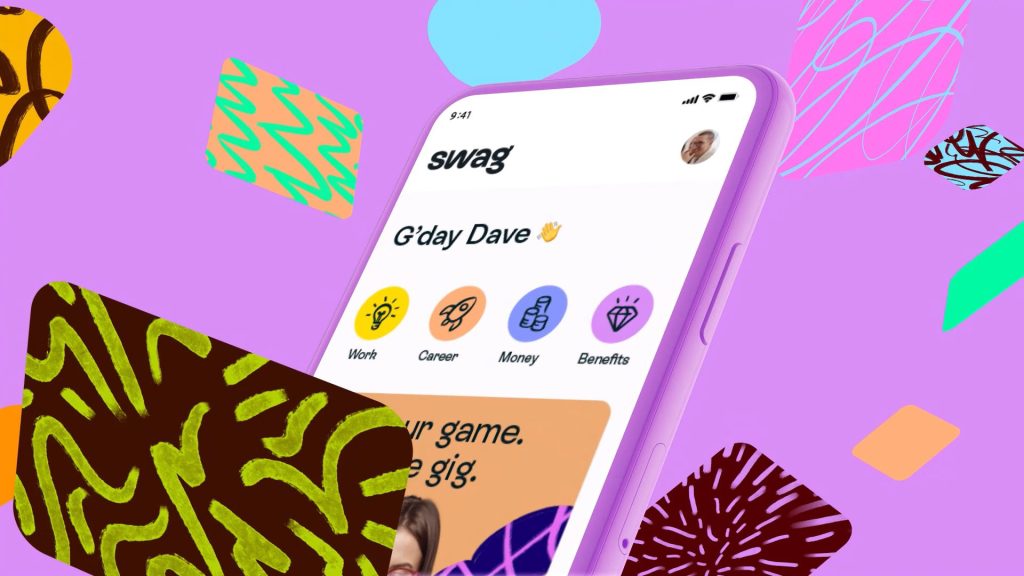
Animation and motion in UI/UX design are more than just visual flourishes; they are powerful tools for creating truly engaging and intuitive user interfaces. A well-executed animation can significantly improve user experience by guiding users through complex interactions, emphasizing key information, and making the interface feel alive and responsive. But how exactly does this impact the design process and what principles should UI/UX designers consider? Let’s explore.
The Fundamental Role of Animation and Motion
Enhancing User Experience
Animation and motion in UI/UX design go beyond simply making a product look pretty. They play a crucial role in guiding users, making information easier to process, and driving meaningful interaction. Smooth transitions, subtle animations for micro-interactions, and expressive animations all contribute to a more engaging user experience. Imagine a website where clicking a button is immediately followed by a subtle animation—this creates a sense of response and confirms the action to the user. It’s an intuitive way to make the digital world feel more human. Statistics show that websites with well-designed animations retain users longer, leading to improved conversion rates. Studies by Nielsen Norman Group show a direct correlation between intuitive animations and increased user satisfaction.
Guiding User Interactions
Improving Visual Hierarchy
Animation and motion are powerful tools for directing a user’s attention. By strategically using animation, designers can highlight key elements, guide users through workflows, and draw attention to important calls to action. A well-placed fade-in or slide-out effect can help emphasize critical information, while subtle animations can signal changes in status. Visual hierarchy is critical in creating an intuitive interface. Clear visual cues and a dynamic display make interactions more approachable and create a smoother workflow for users. A compelling example is the way many apps use animation to indicate loading progress or confirm successful actions. This visual confirmation makes the application feel more interactive and responsive.
Creating Engaging Micro-interactions
Subtle Yet Powerful
Micro-interactions are the small animations and subtle movements that respond to user actions, enhancing user engagement and providing immediate feedback. These interactions, though seemingly small, can greatly improve the overall user experience. A button changing color or shape after a click, a progress bar moving, or an icon changing to reflect a new status are examples of such micro-interactions. These seemingly small touches enhance the perceived responsiveness and interaction design of a product. A study by UXPin highlighted the critical role of micro-interactions in improving user satisfaction and perceived efficiency. Look to apps like Twitter, Instagram, and other social media platforms as examples; they use subtle micro-animations to create an engaging, interactive experience that feels seamless and intuitive to users.
Considerations for Accessible Design
Universal Usability
When implementing animations and motion in UI/UX design, accessibility should be a top priority. Consider users with visual impairments, cognitive differences, or motor disabilities. Animations should not be distracting or overwhelming, and they should adhere to accessibility guidelines. Ensure that any animations are perceivable by assistive technologies. This often involves considering screen reader compatibility and providing alternative ways for users to interact with the interface without relying solely on animation. A clear visual hierarchy can greatly benefit users in understanding how to interact with the interface. Providing visual feedback, even if that feedback is in a non-motion form, greatly improves accessibility for users.
Related Post : Error Handling in UI/UX: Guiding Users Through Mistakes.
Choosing the Right Animation Styles
Finding the Perfect Fit
Selecting the right animation style is vital to the success of a product. Different animation styles can evoke different emotions and create specific user experiences. For example, a subtle, fluid animation can create a sense of calmness and ease, while a more dramatic, energetic animation can be appropriate for a product aimed at excitement. Understanding the target audience and their needs is paramount. Choose an animation style that aligns with the brand personality and product tone. Consider the context of the animation; is it used for navigation, confirming actions, or highlighting specific elements? This consideration is key to achieving an effective design and helps to avoid making the product overwhelming to the user.
How does animation affect user engagement?
Measuring User Interaction
Animation can significantly increase user engagement by creating a more interactive and responsive experience. When users interact with an element on a screen, the use of animations and motion confirms that their action has been received and processed by the system and visually indicates that it is now being acted upon. The perception that the app responds dynamically to user input creates a more immersive experience and drives user engagement. Visual feedback enhances usability and helps to improve a product’s overall satisfaction rating.
What are the best practices for designing animations and motion in UI/UX?
Prioritizing User Experience
Best practices for animation and motion design include considering the user’s needs and expectations. This involves creating animations that enhance user engagement and provide helpful information without overwhelming the user. Animations should be carefully considered so as not to disrupt user flow. Animations should support and enhance user interaction with the product, and not impede or disrupt user experience. Design choices should be made in tandem with user flow in mind.
In conclusion, the impactful use of animation and motion in UI/UX design is crucial for creating engaging and user-friendly interfaces. By understanding the principles of animation, designers can create interfaces that are not only aesthetically pleasing but also significantly improve user experience, fostering a seamless and intuitive interaction. To continue learning and refining your skills in this field, explore online courses, workshops, and industry blogs focusing on UI/UX design trends. Experiment with different animation styles and motion patterns to discover what resonates best with your target audience.